
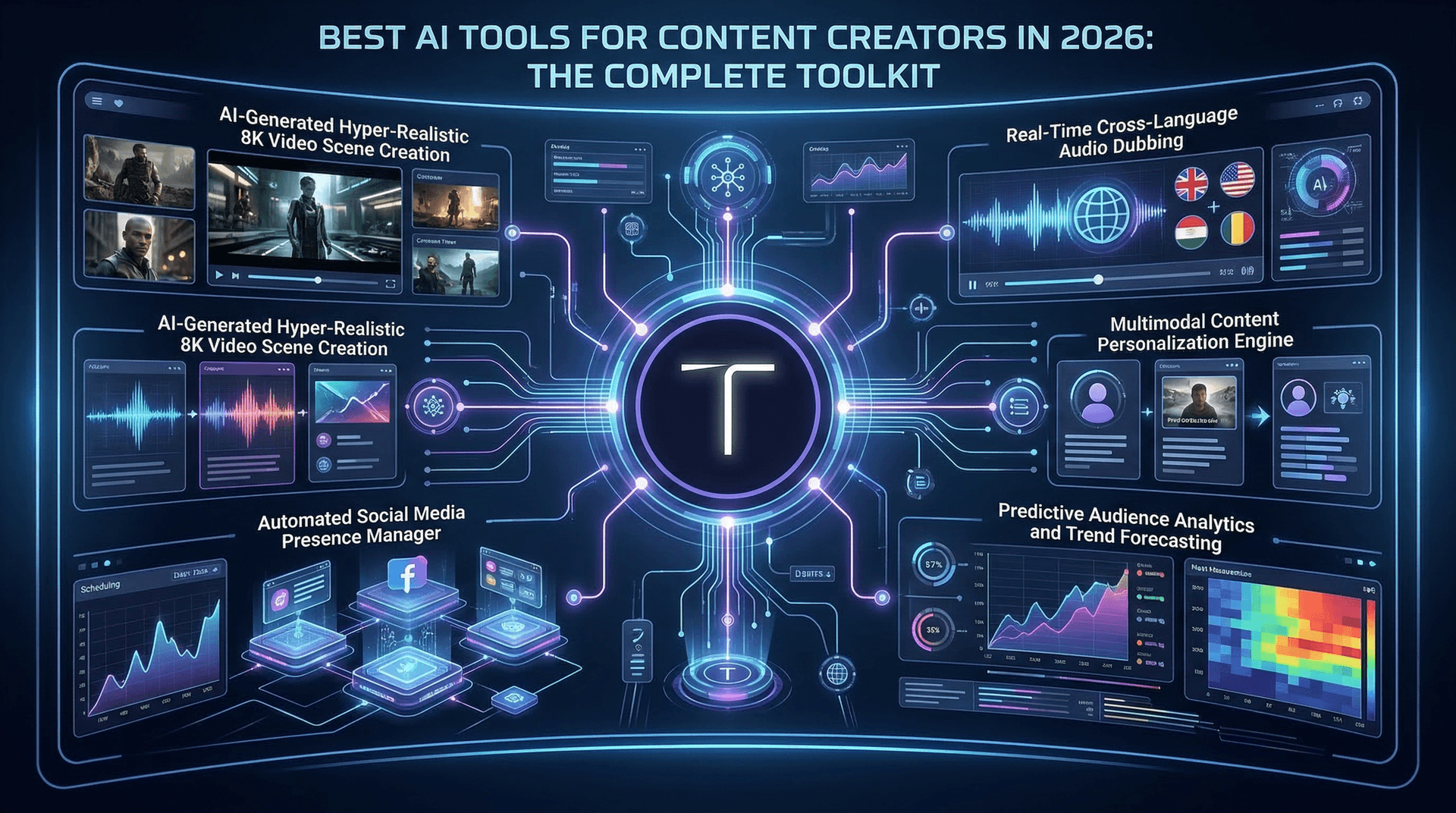
Content creation in 2026 runs on AI. The creators who are growing fastest are not necessarily the most talented — they are the ones using the right tools efficiently. This guide covers every category of AI tool a modern content creator needs, with honest recommendations based on actual daily use.
AI video generation
This is the category that has evolved most dramatically. AI can now generate cinematic 4K video with synchronized audio, multi-shot sequences, and consistent character appearance across clips.
Top pick: Tona.AI — aggregates multiple premium models (Kling 3.0, Google Veo, Higgsfield, Nano Banana) under one subscription. Instead of paying for each service separately, you get access to the best model for each task. Kling 3.0 for 4K multi-shot content, Veo for dialogue scenes, Nano Banana 2 for image generation — all from one credit balance.
Also worth considering: Runway Gen-4 for creative experimentation and VFX, Pika for quick social media clips, and CapCut's built-in AI features for TikTok-first workflows.
AI image generation
Every video workflow starts with images — reference frames, thumbnails, social media assets, and concept art.
Top pick for quality: Nano Banana Pro (Google's Gemini-based model). The best overall quality for photorealistic images in 2026. Available on Tona.AI as Nano Banana 2, making it convenient if you also generate video on the same platform.
Top pick for art: Midjourney. Still unmatched for artistic, conceptual, and stylized imagery. The Discord-based interface is unusual but works well once you adapt.
Top pick for text in images: Ideogram. If you need readable typography in your generated images (posters, social cards, marketing graphics), Ideogram handles text better than any competitor.
AI writing and copywriting
Content creators need text for scripts, captions, blog posts, emails, and ad copy.
Top pick: Claude (Anthropic). Excellent for long-form content, scriptwriting, and nuanced communication. Particularly strong at maintaining voice consistency across multiple pieces of content.
Also strong: ChatGPT for conversational brainstorming and quick copy generation. Google Gemini for research-intensive writing where you need accurate, up-to-date information.
AI video editing
Raw AI-generated clips need editing — trimming, combining, adding music, text overlays, and color grading.
Top pick for mobile: CapCut. Free, powerful, and designed for short-form content. The AI features (auto captions, background removal, style transfer) are excellent.
Top pick for desktop: DaVinci Resolve. Professional-grade editing that is free for the base version. The Fusion compositing and color grading tools rival software costing thousands.
For quick assembly: Descript. Edit video by editing a text transcript. Perfect for talking head content and podcast-to-video repurposing.
AI audio and voice
Music, voiceovers, and sound effects complete the production.
Top pick for voice: ElevenLabs. The most natural-sounding AI voices available. Voice cloning lets you create a consistent narrator across all your content.
Top pick for music: Suno. Generates full songs from text descriptions — useful for background music, intros, and content where licensed music would be too expensive.
Top pick for sound effects: Most AI video generators now include native audio. Kling 3.0 and Veo 3.1 both generate ambient sounds and effects alongside the video.
AI automation and workflow
Connecting everything together saves hours per week.
Top pick: Make.com (formerly Integromat). Connects AI tools to your publishing workflow — auto-generate captions, schedule posts, and trigger video generation from a spreadsheet of content ideas.
Also useful: Zapier for simpler automations, and Buffer or Later for social media scheduling with AI-assisted caption writing.
The recommended starter stack
If you are starting fresh and want maximum capability with minimum subscriptions, here is the stack we recommend:
Tona.AI for video and image generation (multiple models, one subscription). Claude or ChatGPT for writing and scripting. CapCut for editing (free). ElevenLabs for voiceover if you need it. This four-tool combination covers 90% of what a content creator needs in 2026.
As your workflow grows, add specialized tools for specific needs. But start simple — the biggest productivity killer for creators is subscribing to 15 tools and mastering none of them.