
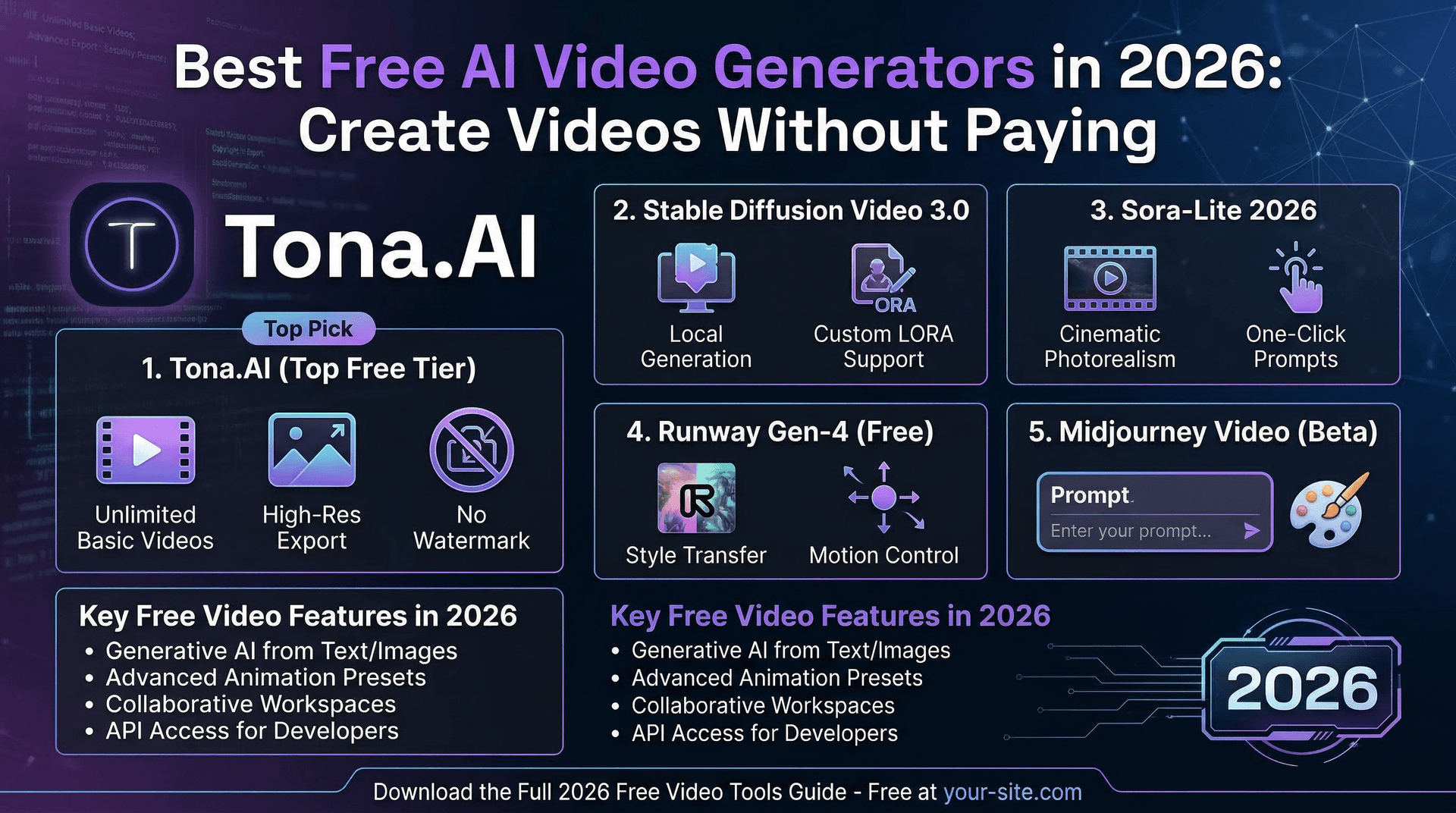
AI video generation does not have to cost money. Most major platforms offer free tiers, trial credits, or completely free access to basic features. If you want to experiment with AI video creation before committing to a paid subscription, this guide covers every worthwhile free option available in 2026.
We tested each platform's free tier with identical prompts, evaluating output quality, generation limits, watermarks, and how much you can realistically accomplish without paying.
Tona.AI: 30 free credits to start
Tona.AI provides 30 credits on signup with no credit card required. These credits let you test multiple AI video models including Kling 3.0 and Google Veo, plus image generation with Nano Banana 2. A single short video costs 5-15 credits depending on the model and settings.
The advantage of Tona.AI's free tier is access to premium models that other platforms charge for immediately. You can generate 2-5 videos across different models to compare quality before deciding whether to upgrade. No watermarks are added to generated content.
Runway: limited free generation
Runway offers a free tier with restricted credits that refresh periodically. The free plan lets you generate short clips with the Gen-4 model, though at reduced quality settings. Output is limited to 720p, and generation credits are tight — expect 3-5 short clips per week.
The free tier is useful for testing Runway's Motion Brush and style features, but the credit limit means it is more of a trial than a sustainable free workflow.
Pika: free tier with watermarks
Pika provides a free tier that lets you generate short video clips. The catch is a visible watermark on all free-tier output. For personal experimentation this is fine, but the watermark makes free Pika videos unsuitable for professional use.
Video quality on the free tier is decent for social media previews and concept testing. Pika's strength is speed — generations complete quickly, making it good for rapid iteration even on the free plan.
Kling AI direct: free credits on signup
Accessing Kling AI directly through the official platform provides new users with free credits. The interface is fully functional, giving you access to Kling 3.0's features including start and end frame control. The main friction point is that the platform's interface can feel less polished than western alternatives.
For users who want to specifically test Kling's capabilities without going through a third-party platform, this is the most direct free option.
Google Veo through AI Studio
Google provides limited access to Veo through AI Studio and various Google AI products. The free tier is restrictive, but it lets you test Veo's lip sync and camera work capabilities. Google AI Studio is the best way to experiment with Veo's capabilities without commitment.
Open source options: Wan 2.6 and LTX
If you have access to a GPU (at least an RTX 3080 or equivalent), open-source models offer unlimited free generation. Wan 2.6 is the cheapest model per second when self-hosted, and LTX 2.0 supports up to 4K resolution. The trade-off is technical setup complexity and hardware requirements.
For technically inclined creators with existing GPU infrastructure, self-hosted open-source models provide the best free option with no generation limits, no watermarks, and complete privacy.
What can you realistically create for free?
Combining free tiers across platforms, you can realistically generate 15-30 short video clips per month without spending anything. This is enough to test different models, create concept videos, and build a basic social media presence.
For serious content production — daily social posts, YouTube videos, client work — you will eventually need a paid plan. The most cost-effective approach is starting with a platform like Tona.AI that gives you access to multiple premium models under a single subscription, rather than paying separately for each service.
Tips for maximizing free tiers
First, plan your prompts before generating. Wasted credits on poorly written prompts add up fast on free tiers. Second, use image generation (which is cheaper per credit) for storyboarding before committing video credits. Third, start with lower resolution and shorter duration to test concepts, then use your remaining credits for the final high-quality generation.
Finally, platforms like Tona.AI offer referral programs that earn you additional credits when friends sign up. This can extend your free usage significantly if you are active in creative communities.